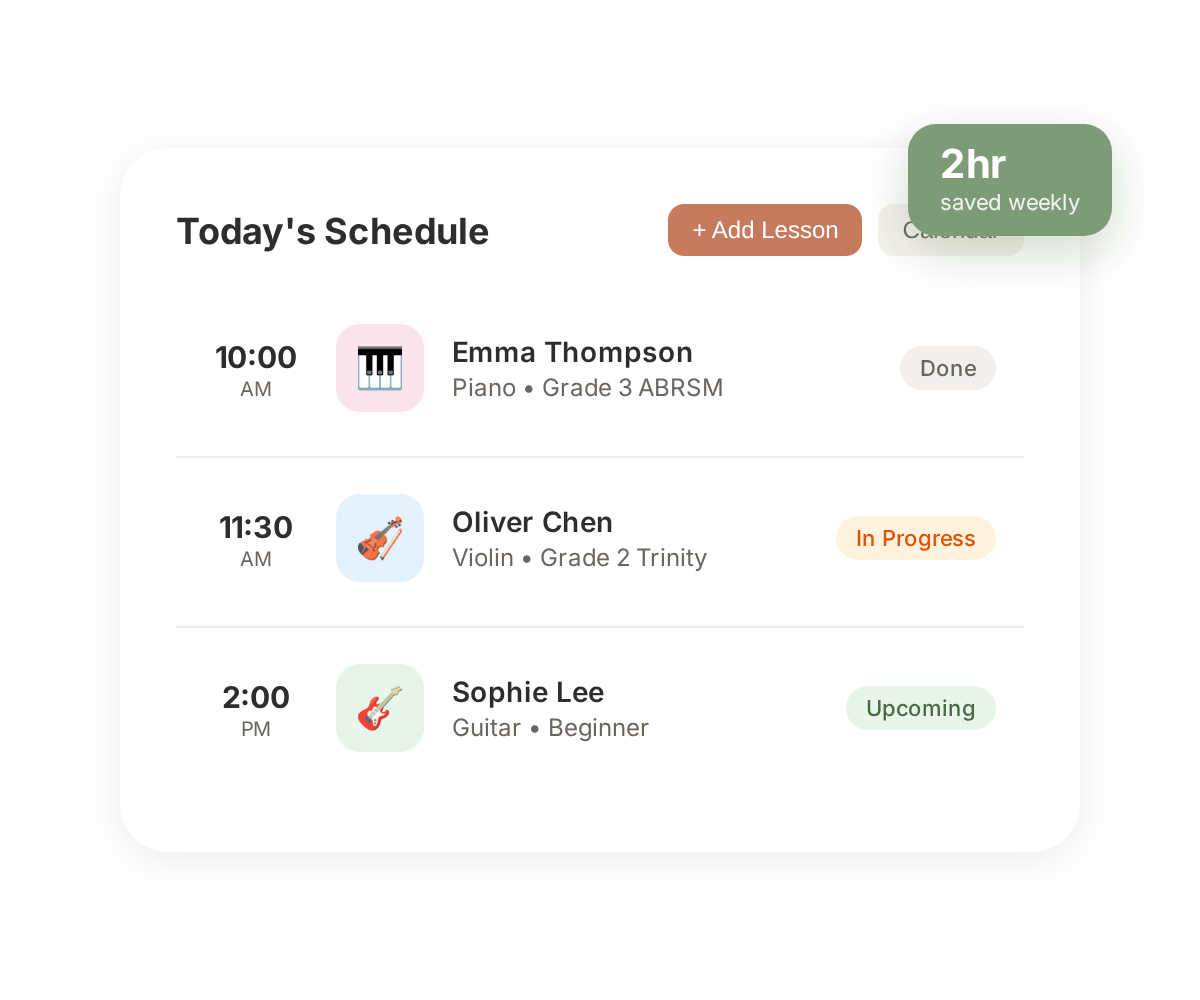
Review previous notes before each lesson, record what you covered, and send a digest to parents — all in a few taps.
03
Between Lessons
Set practice goals, check who's practising, and message parents — without juggling separate apps.
04
End of Term
Send invoices, schedule next term's lessons, and review progress — billing and planning handled together.
05
Exam Season
Manage ABRSM, Trinity, and Rockschool entries. Track syllabus progress, nudge deadlines, and share timelines with parents.
06
The Long Relationship
Build a complete picture of every student's journey — milestones, curriculum levels, and repertoire history from first lesson to Grade 8 and beyond.
Before Clefora
The tools teachers already reach for — and where they fall down.
Spreadsheets
Spreadsheets are where good intentions go to die. A row per student feels
organised until you need to send this week's practice tasks, or remember
which child's parent asked about invoicing. A parent never opens a
spreadsheet — so the information that matters most never reaches them.
Scheduling apps
Calendly, Acuity, Cliniko — built for one-off appointments, not for a
long relationship with a student learning Grade 4 pieces across
eighteen weeks. There's nowhere for practice goals, no exam board
integration, no place the parent ever sees.
WhatsApp groups
A group per family starts friendly and ends with fifty unread messages
across eleven threads. Context dissolves. Payment chases sit next to
birthday party logistics. Nothing is linked to a specific lesson, so a
week later no-one remembers what was said.
Clefora
One platform, built by music teachers, for music teachers. Lesson notes,
practice goals, per-student messaging, invoicing through Stripe, and
ABRSM / Trinity / Rockschool exam tracking — all linked to the right
student, visible to the right parent, quiet when it should be quiet.
Better together
You're not alone in your studio.
A community of teachers, not a list of sole traders
Clefora is built for a community of teachers — share students across
instruments, refer with one tap, and keep a shared view of a family's music
life. When a student takes piano from you and theory from a colleague,
everyone sees the same picture.
A shared catalog of repertoire
A catalog of repertoire that grows with every teacher on Clefora. See,
anonymously, which exam pieces are being chosen by other teachers —
by instrument, by board, by grade. Decisions stop being made in isolation.
Frequently asked
What teachers want to know first.
What is music teacher management software?
Clefora is a platform that keeps teachers, parents, and students in tune — handling lessons, practice, progress, billing, and exams in one connected system. It replaces spreadsheets, WhatsApp groups, and paper notes with a single quiet place for every relationship in a studio.
How does Clefora help music teachers communicate with parents?
After each lesson, you send a digest that tells parents what was covered, what to practise, and how their child is progressing. Parents get a push notification and can reply in-app. All messages are linked to a specific student, so nothing gets lost in a group chat.
Can I track student progress and set practice goals?
Yes. You set practice goals after every lesson using plain language parents can understand — no jargon required. Parents mark goals as done during the week, so you can see who actually practised before your next session. Long-term progress is tracked through milestones, curriculum levels, and repertoire history.
Does Clefora handle billing and invoices?
On the Premium plan, you can create invoices, accept card payments through Stripe, and send automated payment reminders. Parents pay in-app, and you get a full payment dashboard with tax-ready reports. No more chasing bank transfers or remembering who owes what.
How does exam management work?
You can create exam entries for ABRSM, Trinity, Rockschool, and other boards. Track syllabus progress across pieces, scales, sight-reading, and aural. Set deadline reminders, record confirmed exam dates, and share results with parents when they arrive.